Scale any recipe. Every gram and step adjusts with you.
Bakers Math converts recipes to baker's percentages, scales batches and pan sizes, imports from links or photos, and guides your bake with hands-free timers.
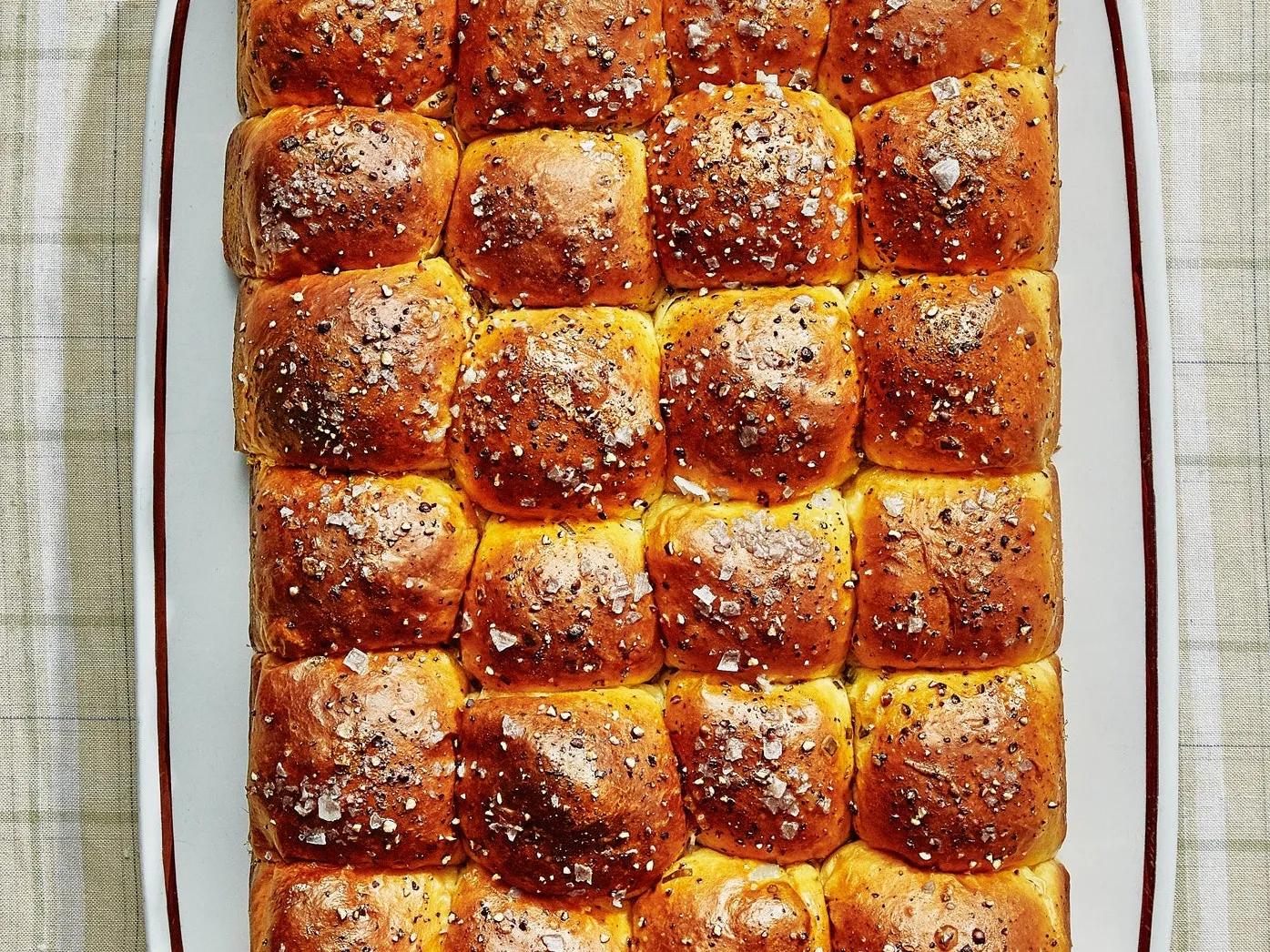 Pull-Apart Sour Cream and Chive RollsClaire Saffitz
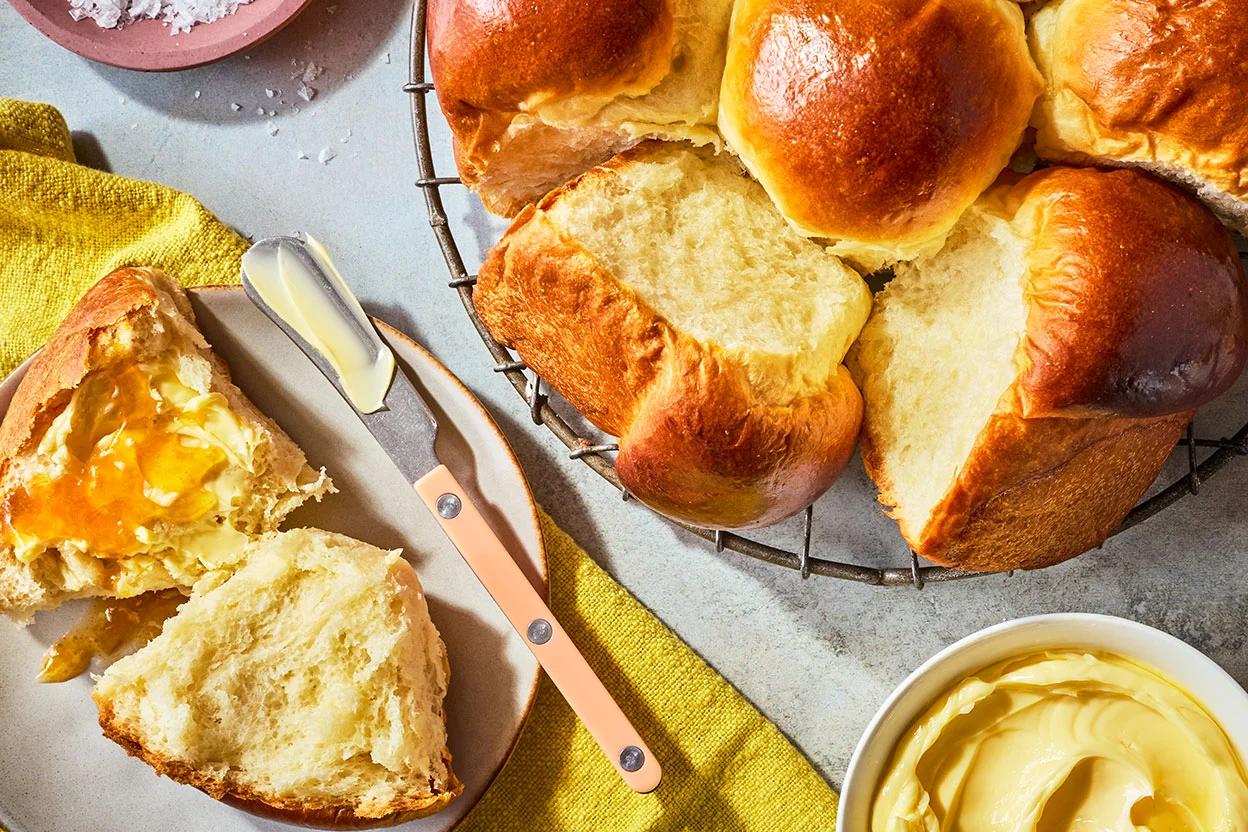 Japanese Milk Bread RollsKing Arthur Baking
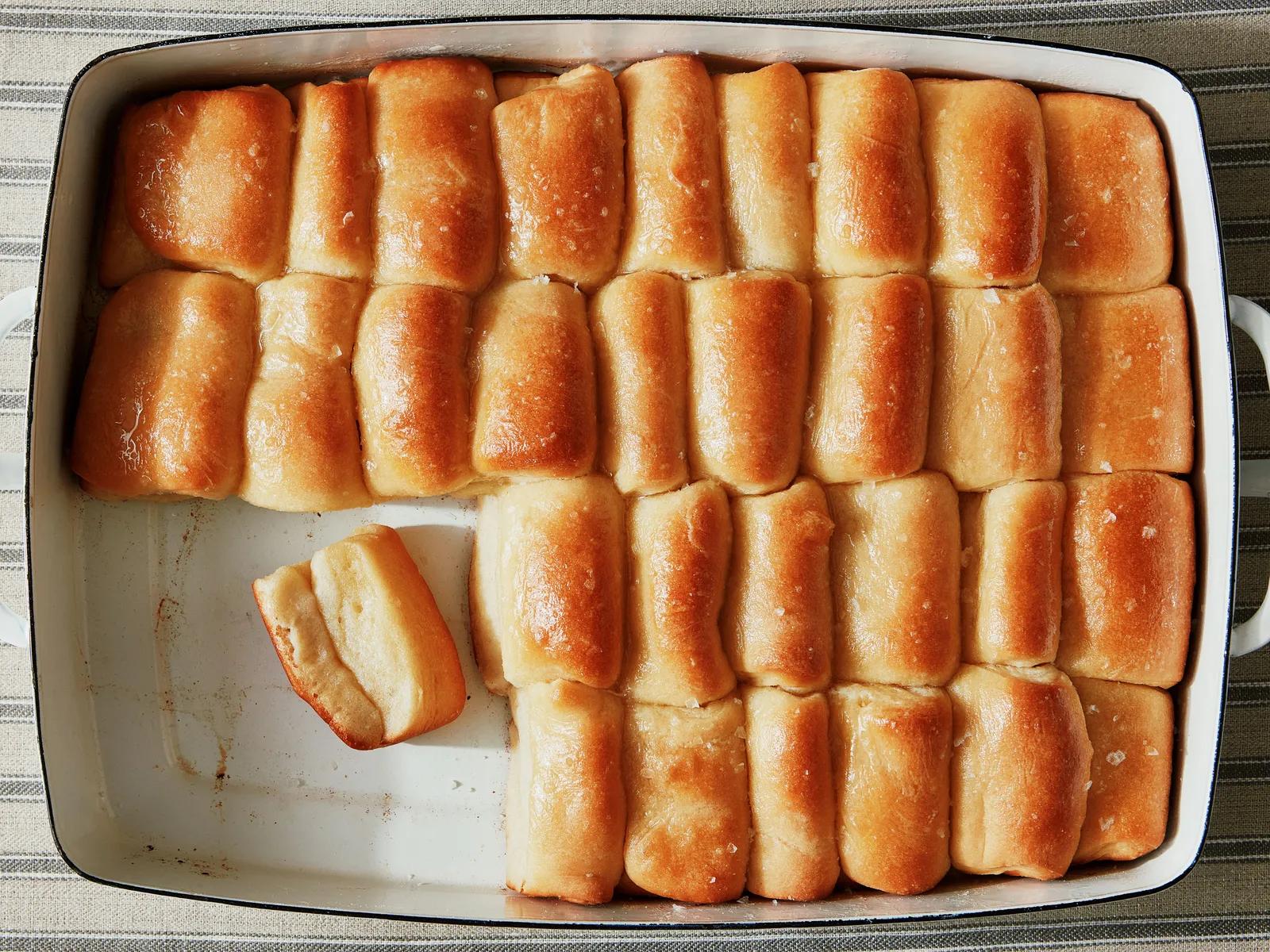 Parker House RollsBon Appétit
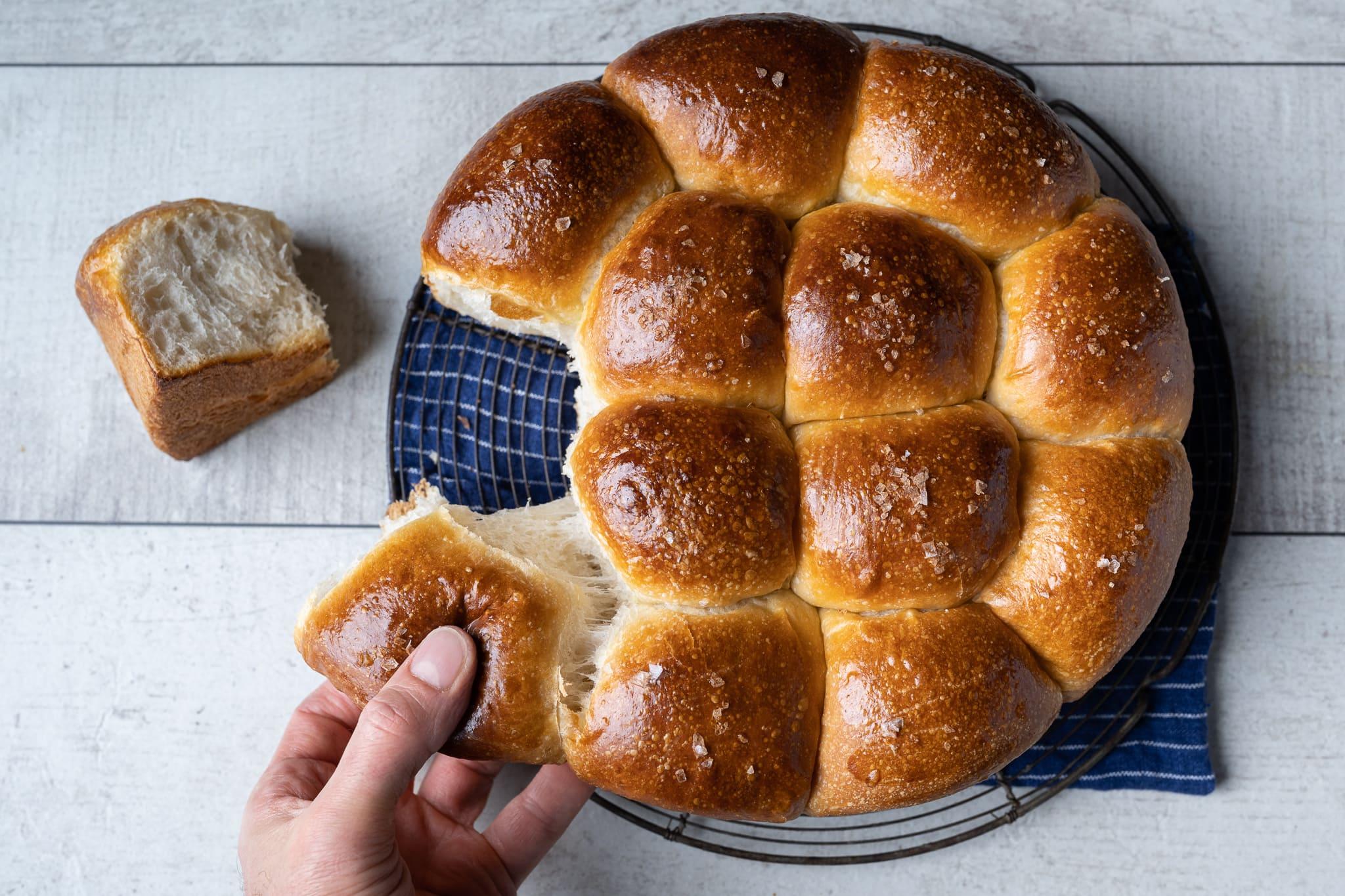 Super Soft Sourdough RollsMaurizio Leo
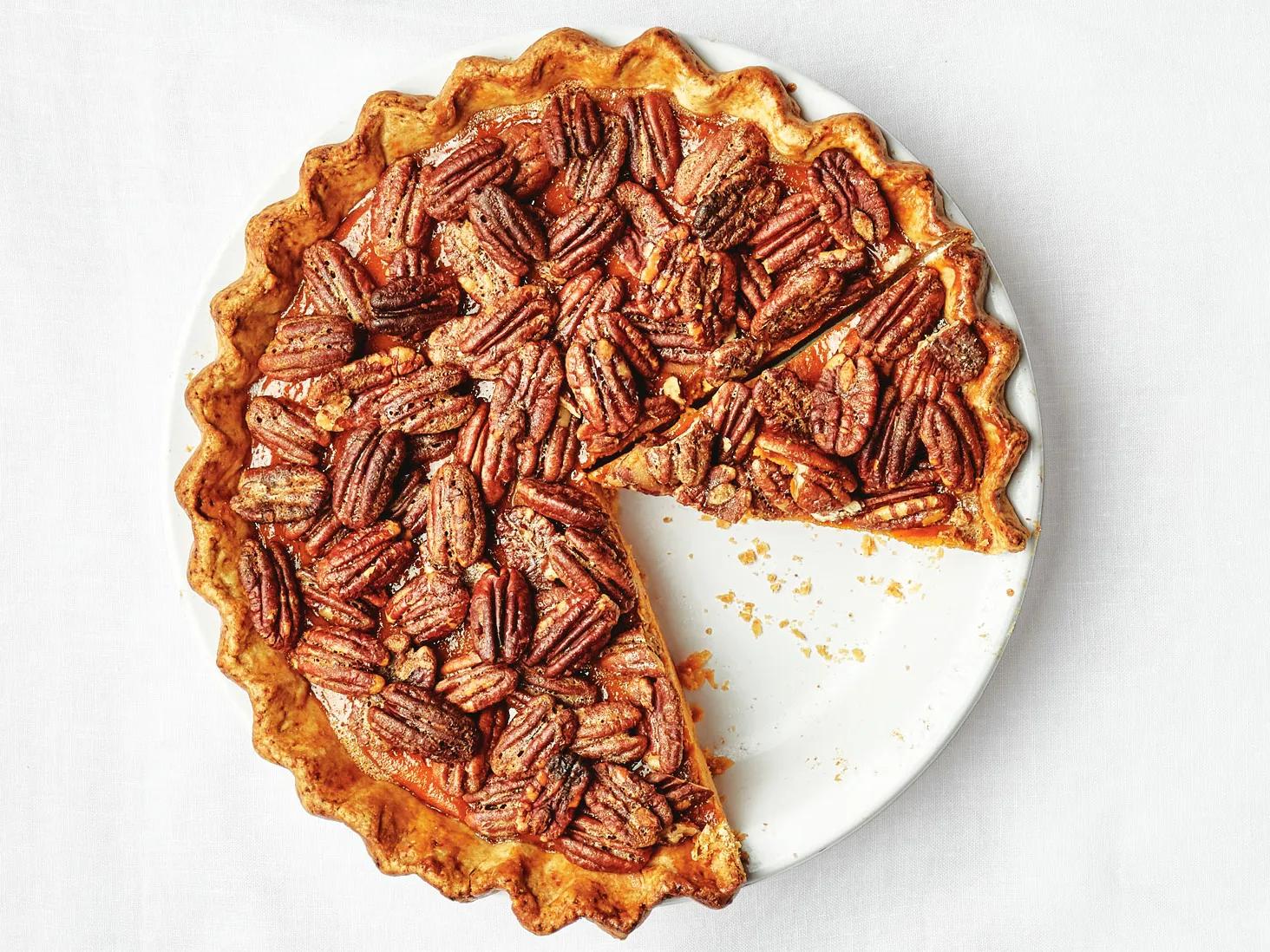 Pecan Pumpkin PieClaire Saffitz & Brad Leone
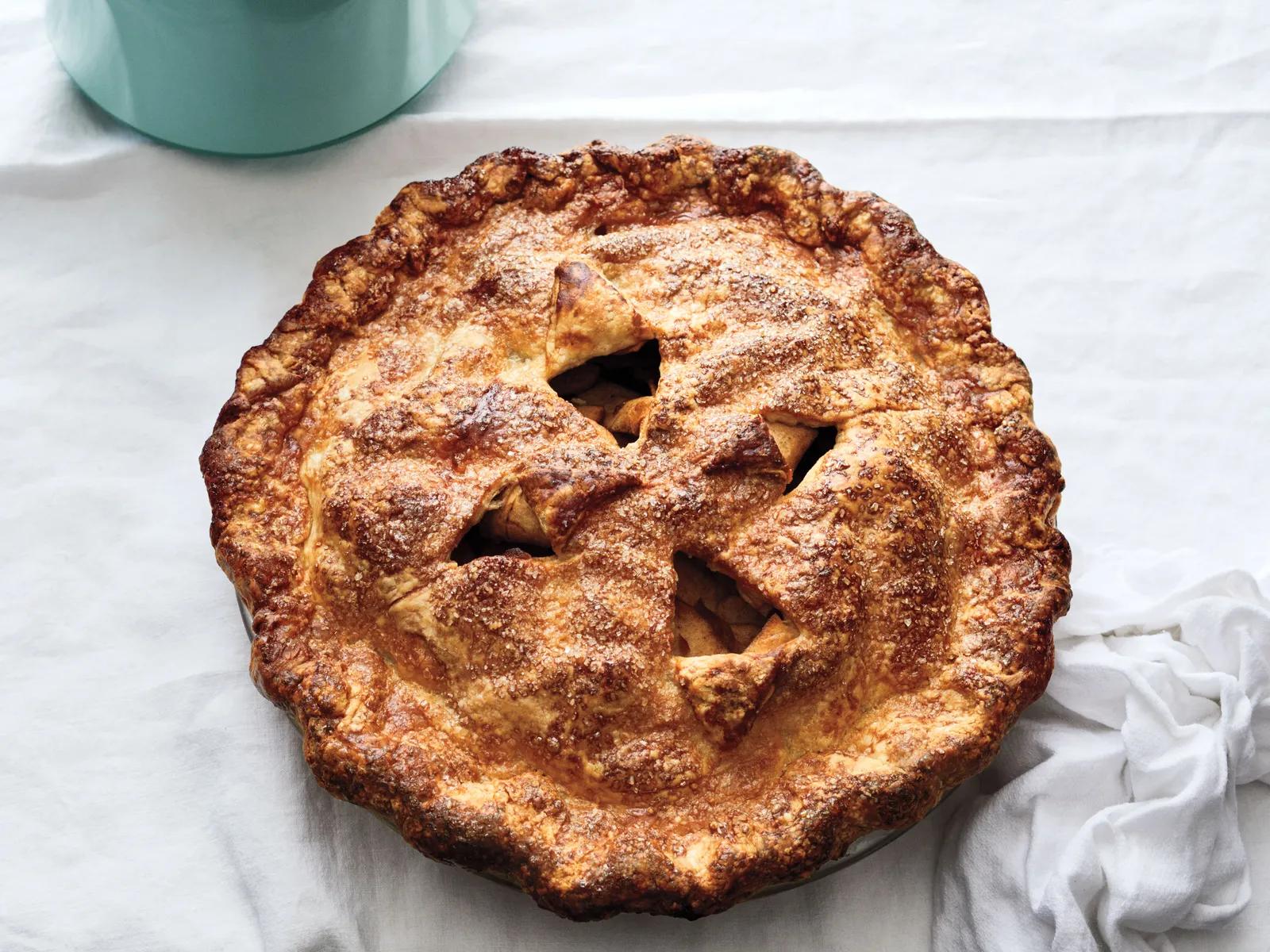 BA's Best Apple PieClaire Saffitz
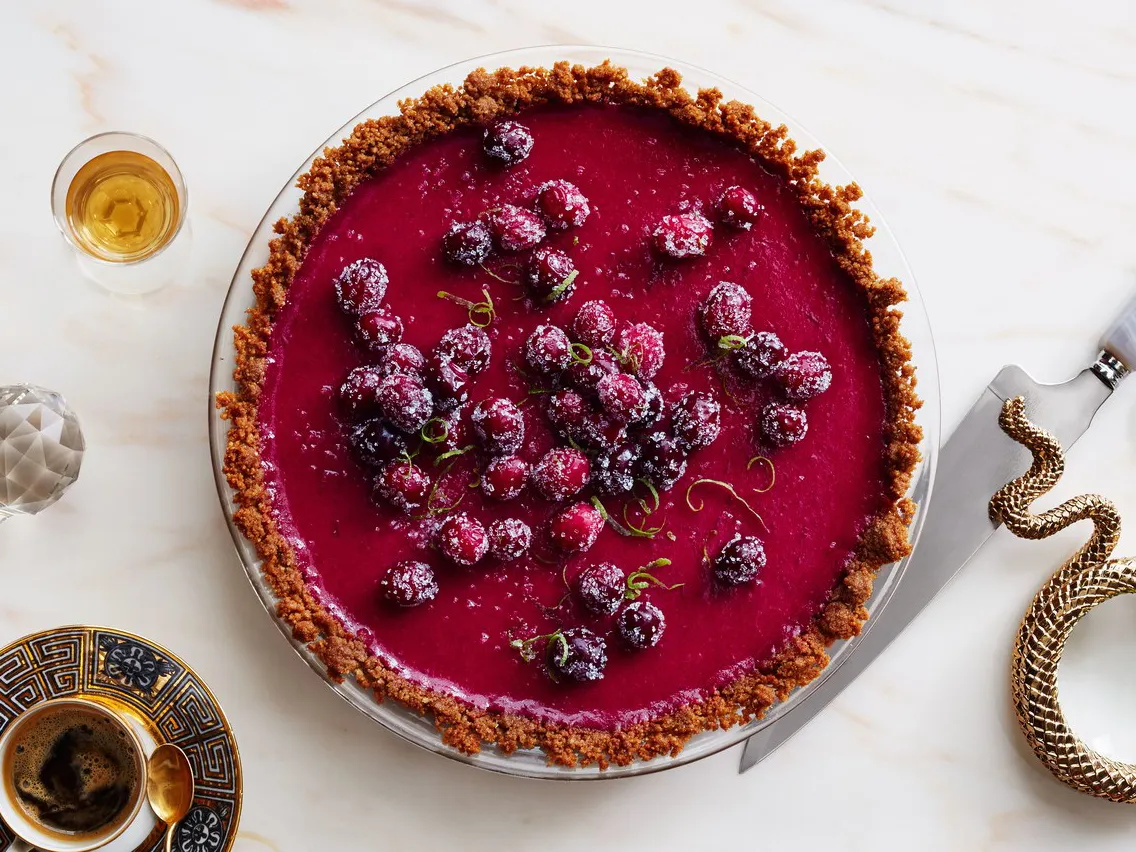 Cranberry-Lime PieAnn Redding & Matt Danzer
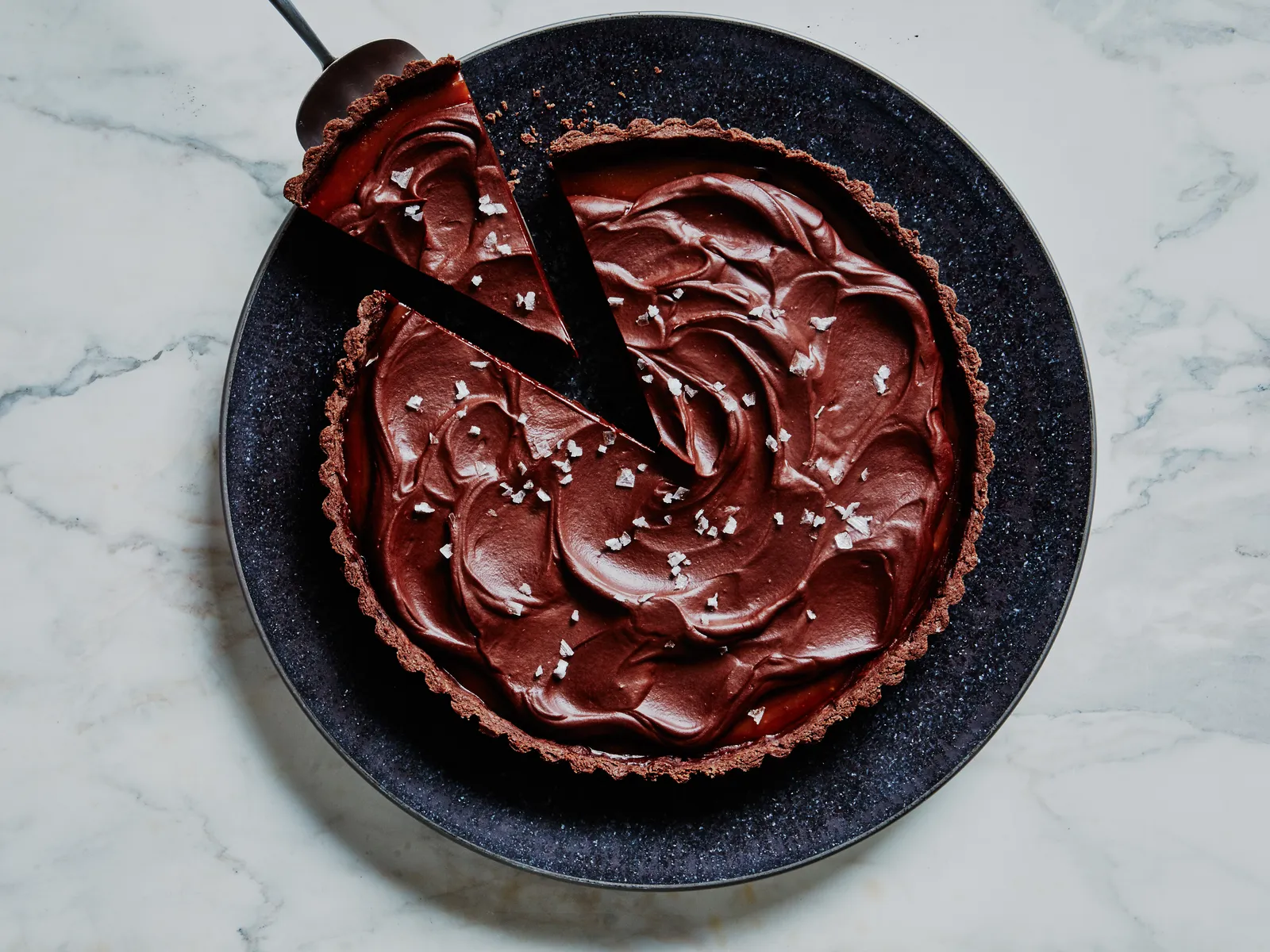 Salted Caramel-Chocolate TartClaire Saffitz
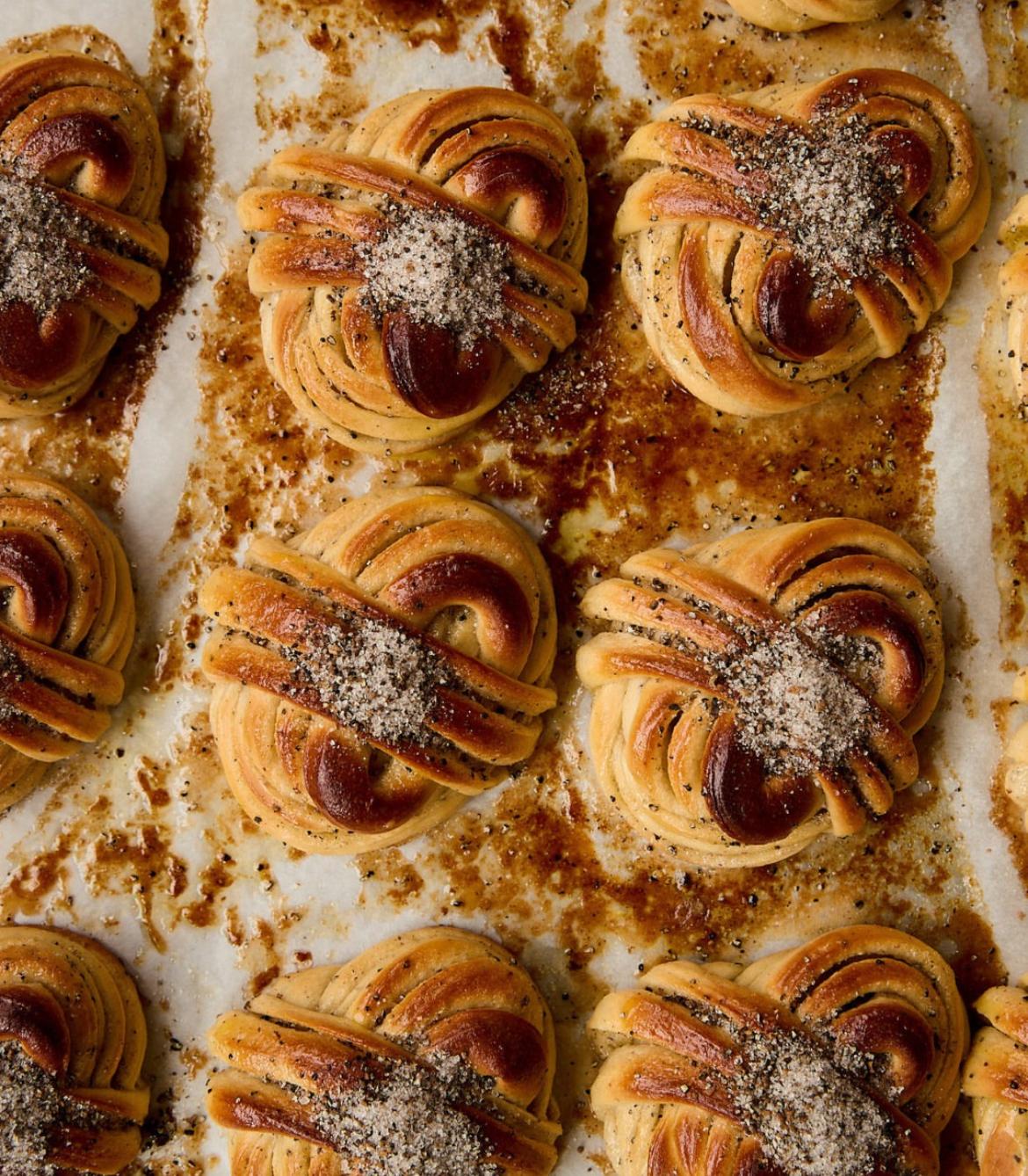 Cardamom BunsJuno The Bakery
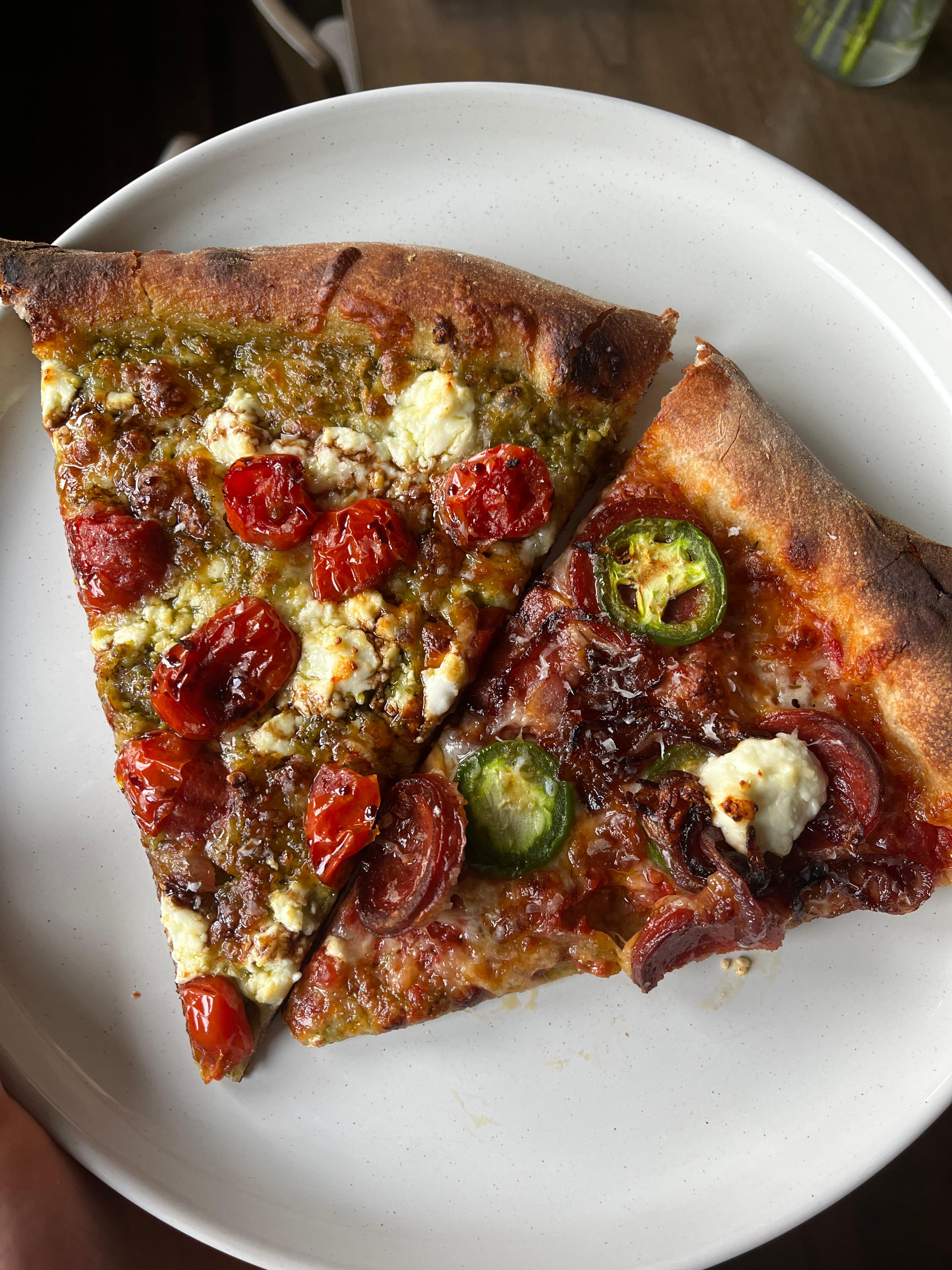 New York Style (Ceres)Pizza Dough Calculator (pslyman)
Import recipes from anywhere
A recipe site, a post, a cookbook page or your own notes. Bakers Math reads it and writes it out in grams, ready to scale.
Make as much as you need
Change how many you are making and every amount follows. Switch to cups or baker’s percentages when you need them.
Sourdough English Muffins
Makes 12 muffins, 80 g each.
- High protein flour (12.7-14)437g
- Spelt flour55g
- Whole milk55g
- Unsalted butter33g
- Superfine sugar9g
- Salt10g
- Levain118g
- Water283g
Compare two recipes
Jacques Torres’s chocolate chip cookies (A) and America’s Test Kitchen’s (B), side by side in baker’s percentages.
| Component | AJacques Torres Chocolate Chip Cookies | BPerfect Chocolate Chip Cookies (ATK) | DifferenceB − A |
|---|---|---|---|
| 100% | 100% | Same | |
| 1.5% | 2.4% | +0.9% | |
| 58.7% | 79.8% | +21.1% | |
| 105.8% | 100% | −5.8% | |
| 2.9% | 1.2% | −1.7% | |
| 20.7% | 28.2% | +7.5% | |
| 117.6% | 85.5% | −32.1% | |
| 1.7% | 3.2% | +1.5% |
Open a component to see the ingredients in it.
Calculators
Nine calculators for the maths bakers do most. They work without an account.
Questions
About importing, scaling, cook mode and the calculators.
What sources can I import recipes from?
You can paste a link from any recipe website, or from social posts on Instagram, TikTok, YouTube, and Facebook. You can also paste plain text from notes or books, upload up to three photos of a printed recipe, or use the guided recipe builder.
Can I still see the recipe I imported from?
Yes. On a recipe you imported from a link, See the original shows the page or post it came from, with the author's photos and notes. Back to the recipe returns to your amounts and steps.
Does recipe scaling change the numbers in the cooking instructions?
Yes. When you change batch size, Bakers Math updates both the ingredient table weights and inline quantities written in the instructions, such as water or yeast amounts.
How does pan-size scaling work?
Pick the recipe's pan and yours. Bakers Math compares their floor areas and scales every amount to fill your pan.
How do inline instruction timers work in cook mode?
Cook mode highlights any time written in your instructions. Tap a duration to start a live timer in the top bar. When time is up, an audio chime and notification alert you while your screen stays awake.
Are the baking calculators free to use?
Yes. All nine calculators work without an account. An account keeps your recipes, scales them and runs cook mode.
Can I connect my AI assistant to Bakers Math?
Yes. Through our /connect page, you can connect Claude, ChatGPT, Gemini, or Cursor to 18 baking tools and your saved recipe library using the Model Context Protocol.
Start with your next bake
Make an account to keep your recipes, scale them and bake from your phone with timers. It’s free.